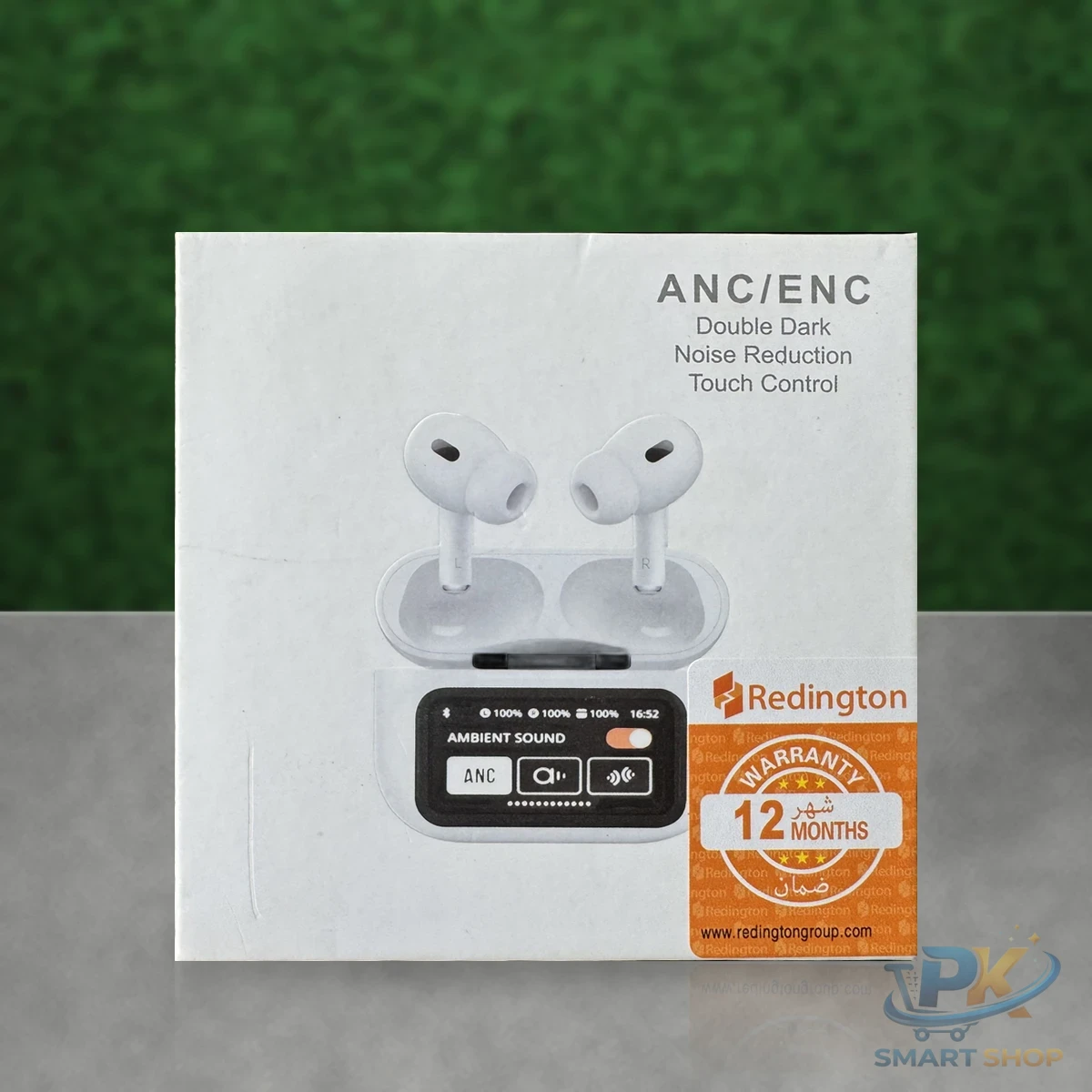
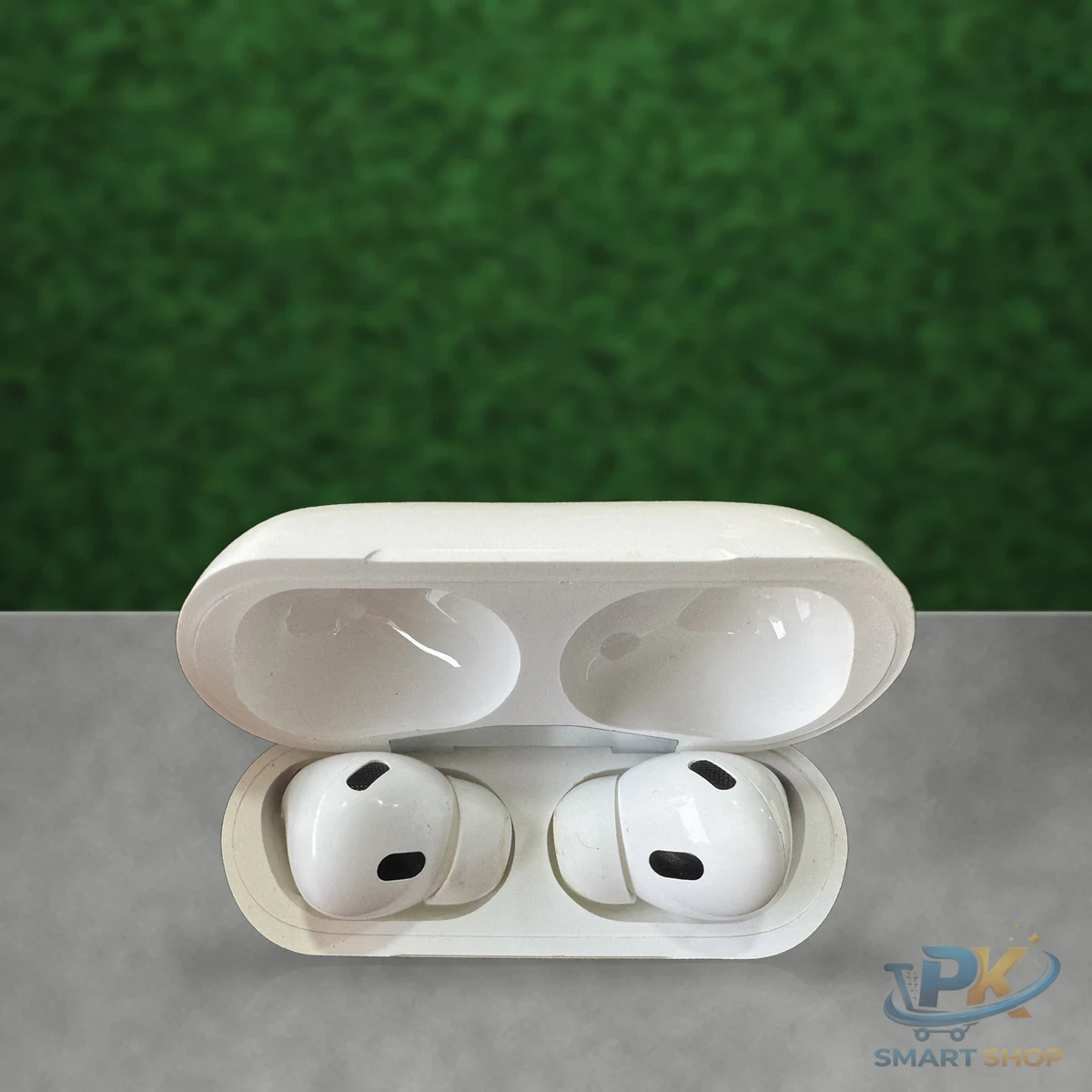
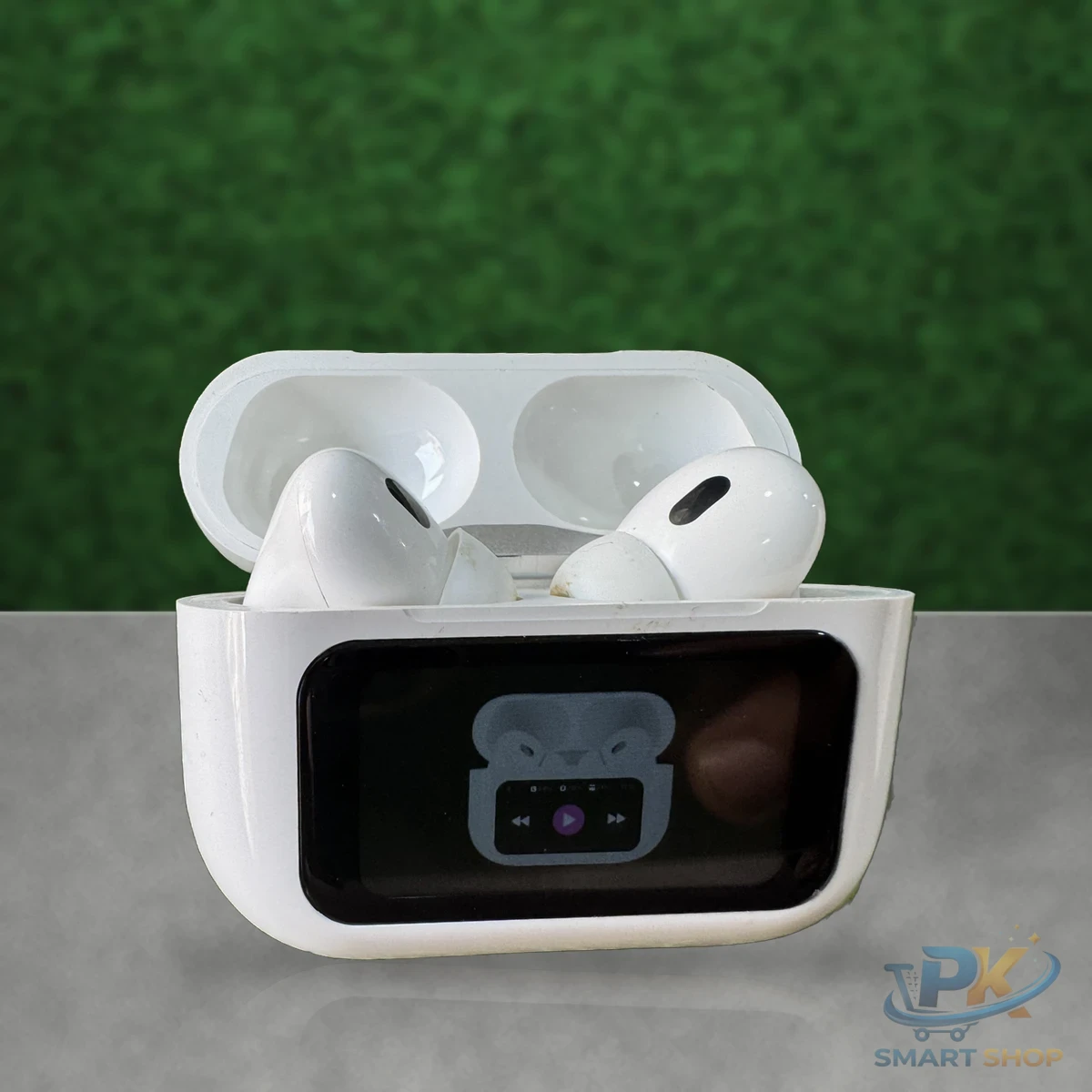
The Magnet X A-99 earbuds stand out because of their charging case: it has a small LCD touch screen that lets you control music and see battery levels without taking your phone out.
Inside, you get dual stereo drivers, a built-in microphone and Bluetooth 5.1, plus a protective cover and keychain in the box.
LCDtouch case
5.1Bluetooth
Micfor calls
🎁cover + keychain
A-99 earbuds key features
📱
LCD touch screen caseControl playback from the case
🔢
Digital battery displaySee exactly how much is left
📶
Bluetooth 5.1Quick, stable pairing
🎤
Noise reduction micClearer calls
💦
Sweat-resistantDaily use and light workouts
⚡
Fast chargingQuick top-ups
A-99 earbuds specifications
| Model |
A-99 Magnet X |
| Bluetooth |
5.1 |
| Display |
LED/LCD digital display with touch control |
| Sound |
Dual-driver stereo |
| Features |
Noise reduction, sweat-proof, built-in mic |
| Brand |
Generic |
🎧
Earbuds + LCD caseTouch screen controls
🛡️
Protective coverKeeps the screen safe
🔑
Keychain + cableCarry and charge
What the touch screen does
The case screen shows the battery level of the case and earbuds, and lets you play, pause and skip tracks with a tap. It’s handy on a bike, in a crowded bus or at the gym, when unlocking your phone is a hassle. The screen mainly lights up when you use it, so it has little effect on battery life in daily use.
Who should buy the A-99 earbuds?
A good gift thanks to the screen, cover and keychain. If you prefer a transparent look, see the AIR 31 earbuds. Browse all earbuds.
Battery and charging
Put the earbuds back in the case whenever you’re not using them, and glance at the screen to see the case battery. It supports fast charging, so a short top-up before you leave home goes a long way.
How to get the best from wireless earbuds
Three things make the biggest difference with any wireless earbuds. First, the fit: try each ear tip size, because a good seal improves bass and keeps the buds secure. Second, pairing: if one side stops working, forget the earbuds in your phone’s Bluetooth list, put both in the case and pair again. Our Bluetooth setup guide walks through it step by step. Third, charging: put the buds back in the case whenever you take them out, and charge the case fully at least once a week. Follow these and your A-99 earbuds will sound better and last longer. Still comparing? Read our wireless earbuds buying guide.
Tips for using your A-99 earbuds
- Check battery on the case screen before leaving home.
- Use the included cover to protect the screen from scratches.
- Clean the touch screen with a soft dry cloth only.
- If screen controls stop responding, put the buds in the case and close it to reset. See our accessory care guide.
Ordering from PK Smart Shop
You can order the A-99 earbuds with Cash on Delivery anywhere in Pakistan, so you only pay when the parcel reaches you. Have a question about compatibility, stock or delivery time? Tap the WhatsApp button on this page and we will help you choose before you order.
Frequently asked questions
What can I do with the touch screen?
You can check battery levels and control music playback from the case screen, depending on the firmware menu.
Does the screen drain the battery faster?
The display mainly lights up when you use it, so the effect on battery is small in daily use.
Are they sweat-proof?
They are listed as sweat-proof, which is fine for workouts, but avoid water exposure.
Do they work with iPhone?
Yes. They pair over Bluetooth with iPhones and Android phones.
How do I pair the A-99 earbuds?
Open the case, take out both earbuds and select A-99 in your phone’s Bluetooth list. After the first time, they reconnect automatically.