Setup guide
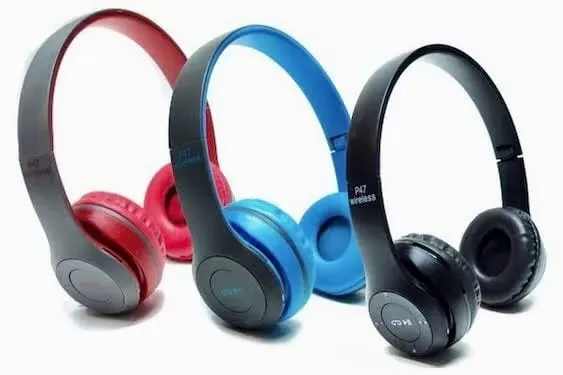
A Practical Setup Guide for a New Bluetooth Device
Following a consistent setup process can prevent many common pairing and connection problems.
Charge before first use
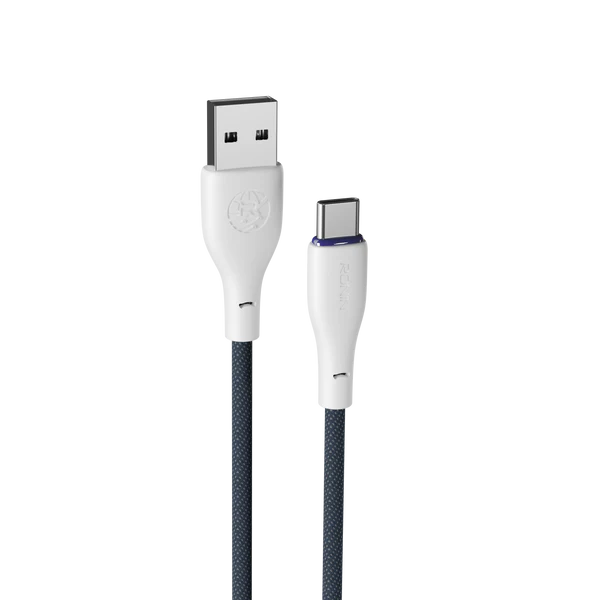
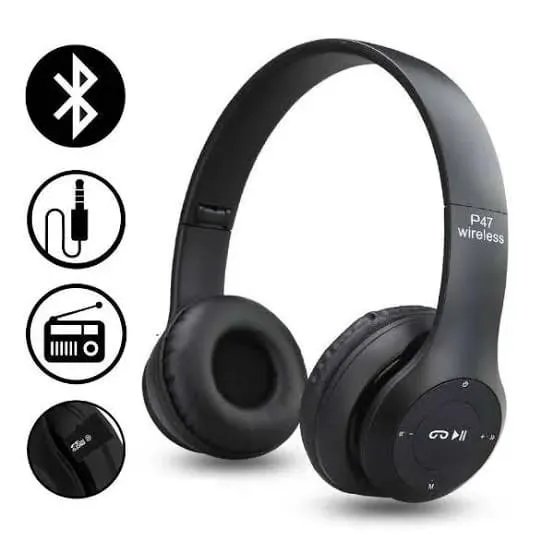
Start with enough power for setup. Inspect the device, charging port, buttons, and included accessories before connecting it.
Prepare your phone or computer
- Turn Bluetooth on.
- Keep the device close to the phone or computer.
- Remove old or duplicate pairing entries if necessary.
- Put the new device into pairing mode.
Test the important functions
After pairing, test audio, microphone operation, call controls, notifications, and any companion-app features you plan to use. A successful pairing does not guarantee that every feature is supported by every device.
Protect your connection
Keep software updated when updates are available, avoid pairing with unknown devices, and disconnect unused accessories to reduce confusion.