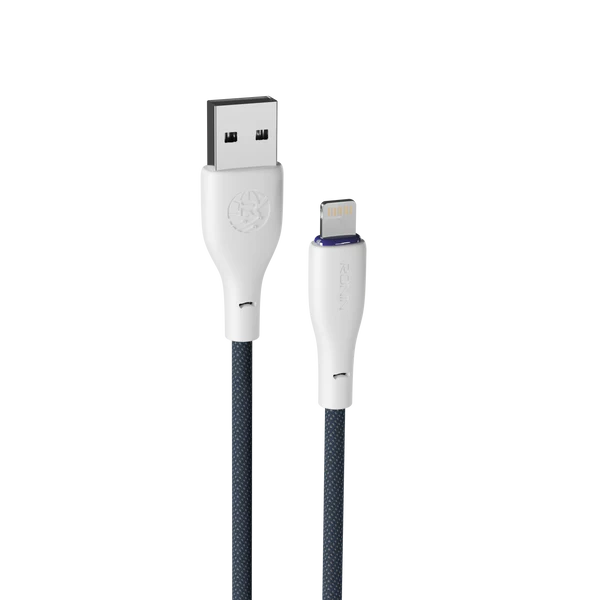
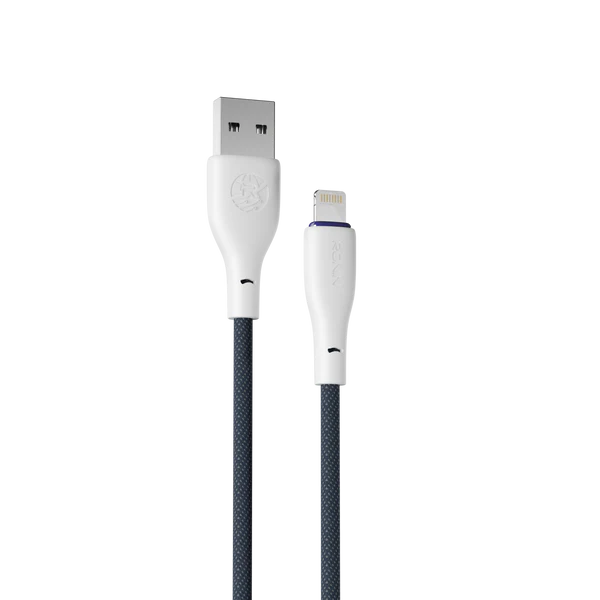
The Ronin iPhone cable (Flexin R-2025) is a tough USB-A to Lightning cable for everyday charging. It works with standard USB-A chargers, car chargers and laptops, and replaces worn-out original cables.
Reinforced connectors and a braided body protect the weak points where iPhone cables usually split.
2.4Acharging
1.2 mlength
USB-Ato Lightning
✓data transfer
Ronin iPhone cable key features
🍎
Lightning connectoriPhone 14 and older
⚡
2.4A chargingStandard iPhone charging speed
🧵
Braided shieldResists fraying and tangles
💪
Reinforced connectorsProtects the weak points
💻
Data transferSync with a computer
🚗
Car-friendlyWorks with USB-A car chargers
Ronin iPhone cable specifications
| Brand |
Ronin |
| Model |
Flexin R-2025 (Lightning) |
| Connectors |
USB-A to Lightning |
| Current |
2.4A |
| Build |
Braided |
| Length |
1.2 m |
Why a braided cable lasts longer
Most cable problems happen at the two ends, where the wire bends most. A braided body and reinforced connectors protect those weak points, so a braided cable usually lasts much longer than the thin plastic cable that came in the box. A poor cable can also slow charging or heat up, which is why it pays to use a good charging cable. Original iPhone cables are known for splitting near the connector, so a braided replacement is a smart buy.
Standard or fast charging?
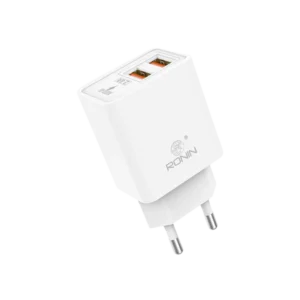
This cable charges at a steady 2.4A from USB-A chargers. To fast charge an iPhone with a Lightning port, you need a USB-C to Lightning cable and a PD charger. For that, choose the Ronin Lynix R-2045 with the Ronin Catalyst 20W.
Who should buy the Ronin iPhone cable?
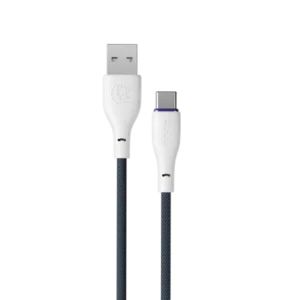
A good choice if you charge from a USB-A wall charger, car charger or laptop and just need a reliable cable. iPhone 15 and newer use Type-C, so they need the Ronin Type-C cable instead. Browse all chargers and cables.
How to choose a charging cable
Match three things: the connector on your phone, the current your charger supports and the length you need. A 1–1.2 m cable is comfortable for using your phone while it charges. Braided cables survive bending and travel far better than thin plastic ones, and reinforced ends stop splitting near the plug. If you want fast charging, the cable, charger and phone all need to support the same standard. The Ronin iPhone cable is built with these points in mind, so it’s a safe everyday choice.
Tips for using your Ronin iPhone cable
- Use a 2.4A USB charger for the best standard charging speed.
- Hold the connector, not the wire, when unplugging.
- Clean lint out of your iPhone’s port if the cable feels loose.
- For faster charging, switch to a USB-C to Lightning cable. See our accessory care guide.
Ordering from PK Smart Shop
You can order the Ronin iPhone cable with Cash on Delivery anywhere in Pakistan, so you only pay when the parcel reaches you. Have a question about compatibility, stock or delivery time? Tap the WhatsApp button on this page and we will help you choose before you order.
Frequently asked questions
Is this cable fast charging?
It supports 2.4A standard charging. For iPhone fast charging, use a USB-C to Lightning cable with a PD charger.
Which iPhones does it fit?
iPhones with a Lightning port, including iPhone 14 and older, and some AirPods cases.
Can I use it in the car?
Yes, with any car charger that has a USB-A port.
Can I sync my iPhone with a computer?
Yes, it supports data transfer.
Why does my old iPhone cable stop working?
Most cables fail near the connector, where they bend the most. The braided body and reinforced ends of this cable protect those points, so it lasts longer.